Edit a User Profile
2 min
To edit a user profile, open the action menu for a user and select Edit User.
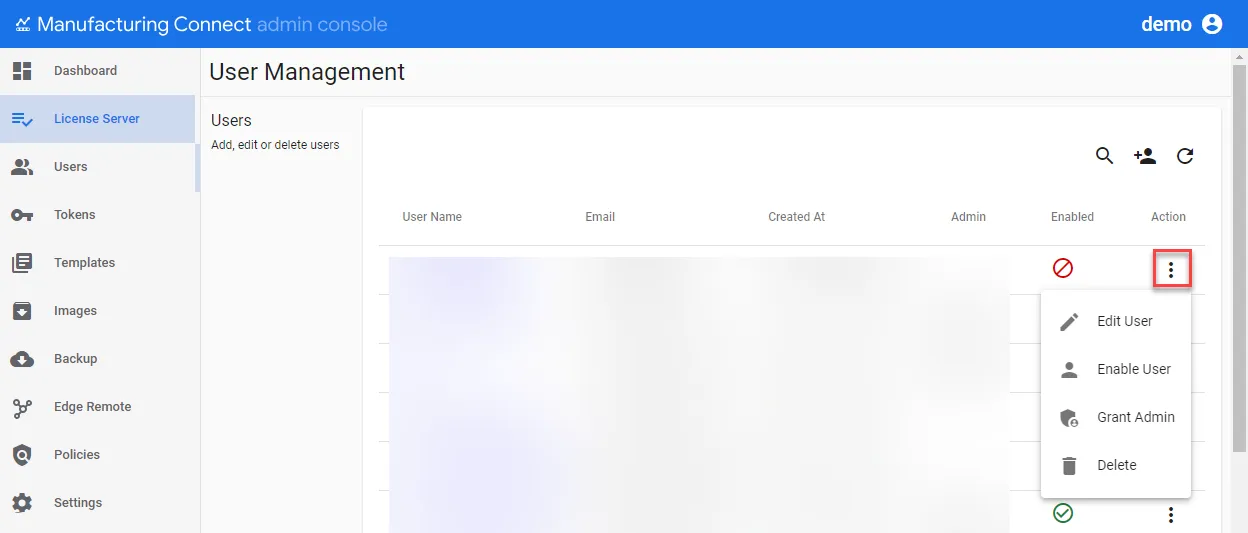
Edit User Profile
You can edit the following sections for the user:
- Edit User: Change the First Name, Last Name and Email address for the user. You can lock the user account from this section. You cannot change the User Name.
- Change Password: Change the user password.
- Company Level Teams: Add, modify, and remove company teams. You can add or remove team members by clicking on an existing team name. You can filter the company teams list.
- Project Level Teams: Add, modify, and remove project teams. You can add or remove team members by clicking on an existing team name. You can filter the project teams list.
- Marketplace Roles: Select or deselect marketplace roles for the user.
- Grafana Roles: Select or deselect Grafana roles for the user.
Edit Company Team
To Edit a Team, you can open the highlighted action menu below or click the link for the company name.
You can also remove the company team from the action menu.
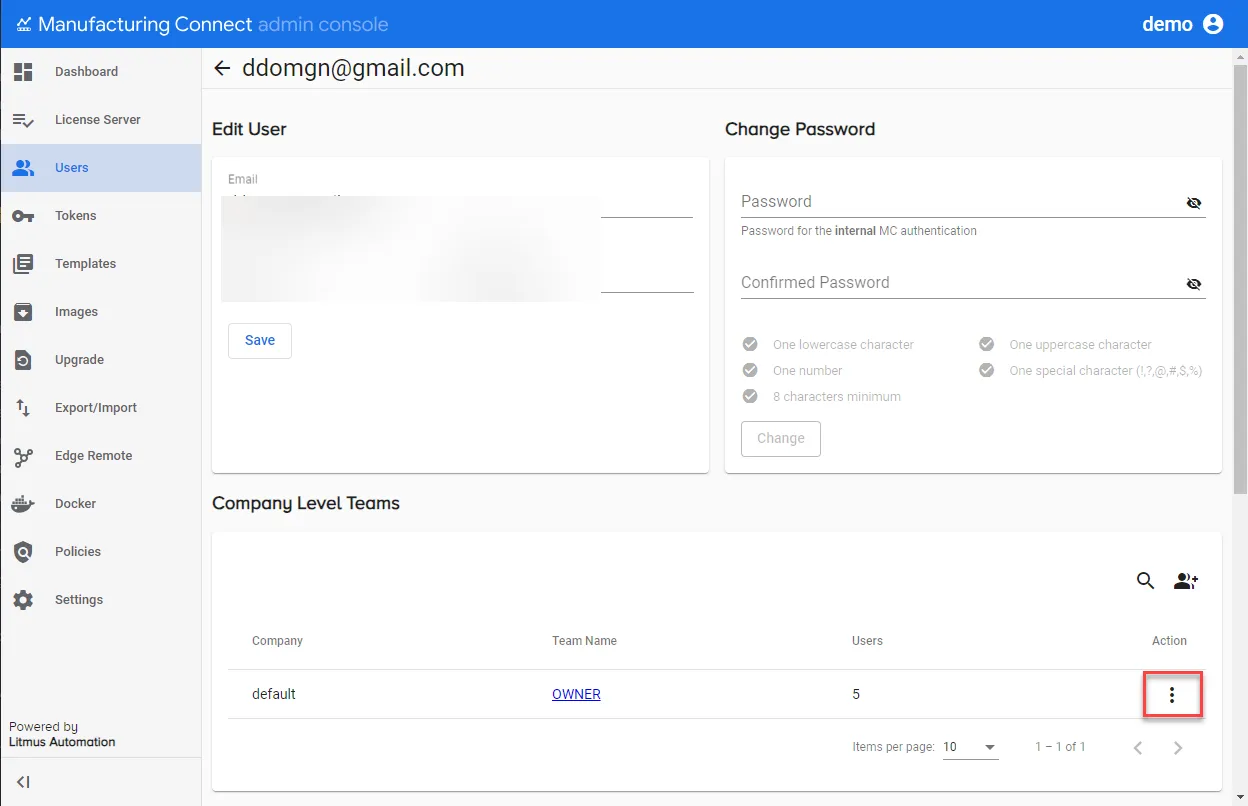
Team action menu