Manage Database Users
3 min
Note: For Manufacturing Connect Edge version 3.5.2, 3.5.3, 3.5.5, and 3.5.6, DB Users options are related to internal databases configured in DataHub (Legacy).
You can manage database users by navigating to DataHub > DB Users.
Search for a Database User
You can search for a database user in the DB Users pane. To search for a database user:
- Navigate to DataHub > DB Users.
Click the Show filter icon. The search bar appears.
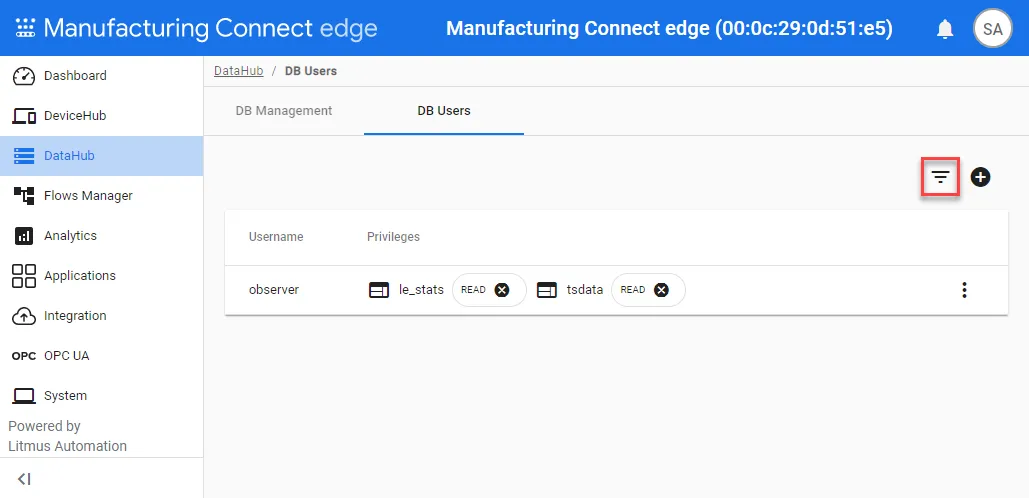 Filter database users icon
- Enter the search terms in the search bar. The selections narrow as you type.
Manage Database Users
You can manage individual database users.
To manage database users:
- Navigate to DataHub > DB Users.
Click the Action menu for the user.
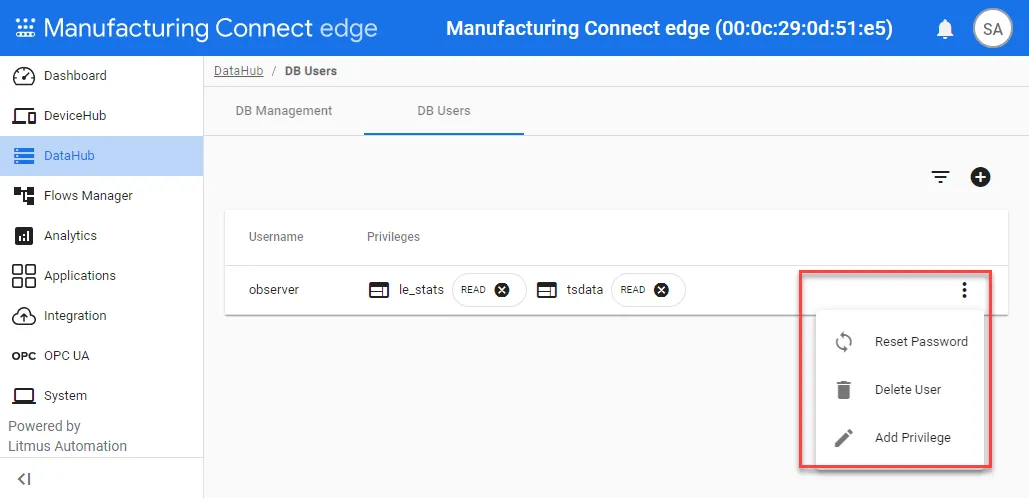 Action menu for database users
- Select an option for the user.
- Reset password
- Delete User: The user and all their privileges will be removed.
- Add Privilege: If the user is already assigned with a privilege, adding a new privilege will not combine privileges. The new added privilege will replace the previous one.
Remove a Database User Privilege
You can remove an existing database privilege by clicking X next to the privilege you want to remove.
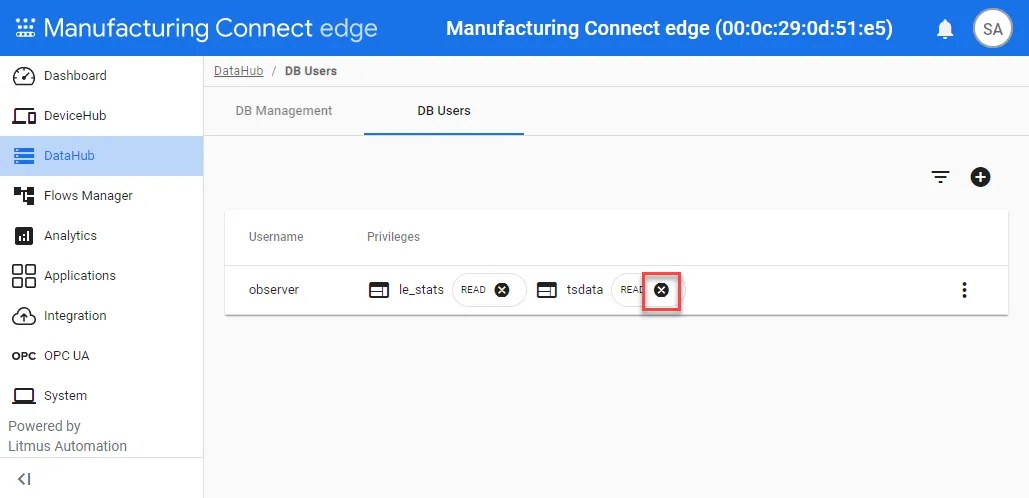
The remove privilege icon