Manage Groups
2 min
After you add groups, you can manage them by navigating to System > Users and selecting the Groups tab.
Search for an Existing Group
You can use the search bar from the Groups tab to search for existing groups.
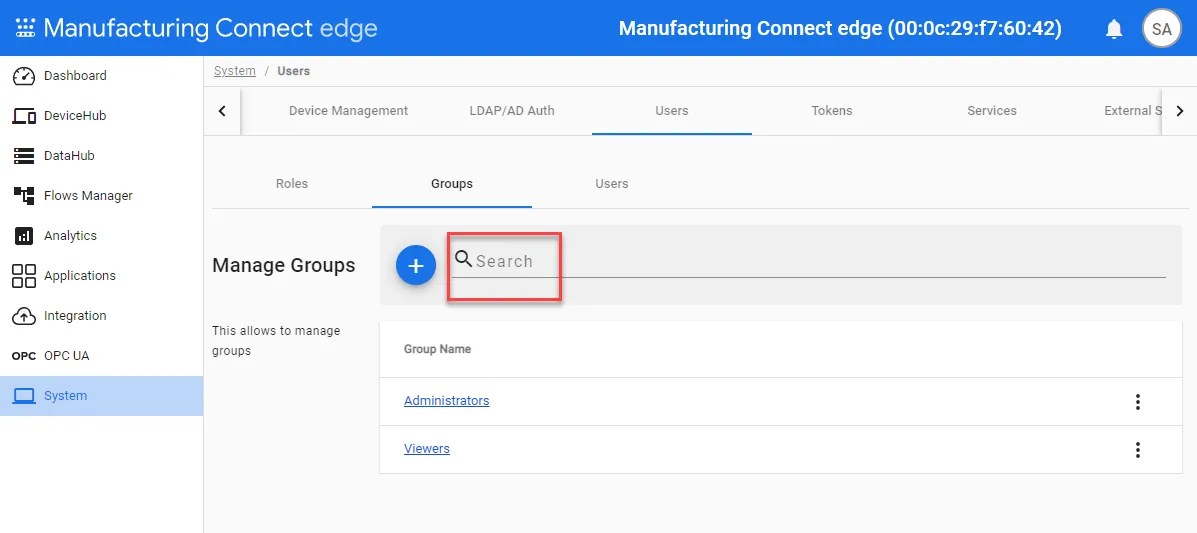
Group search bar
Manage Existing Groups
You can use the Action menu for a group to manage it.
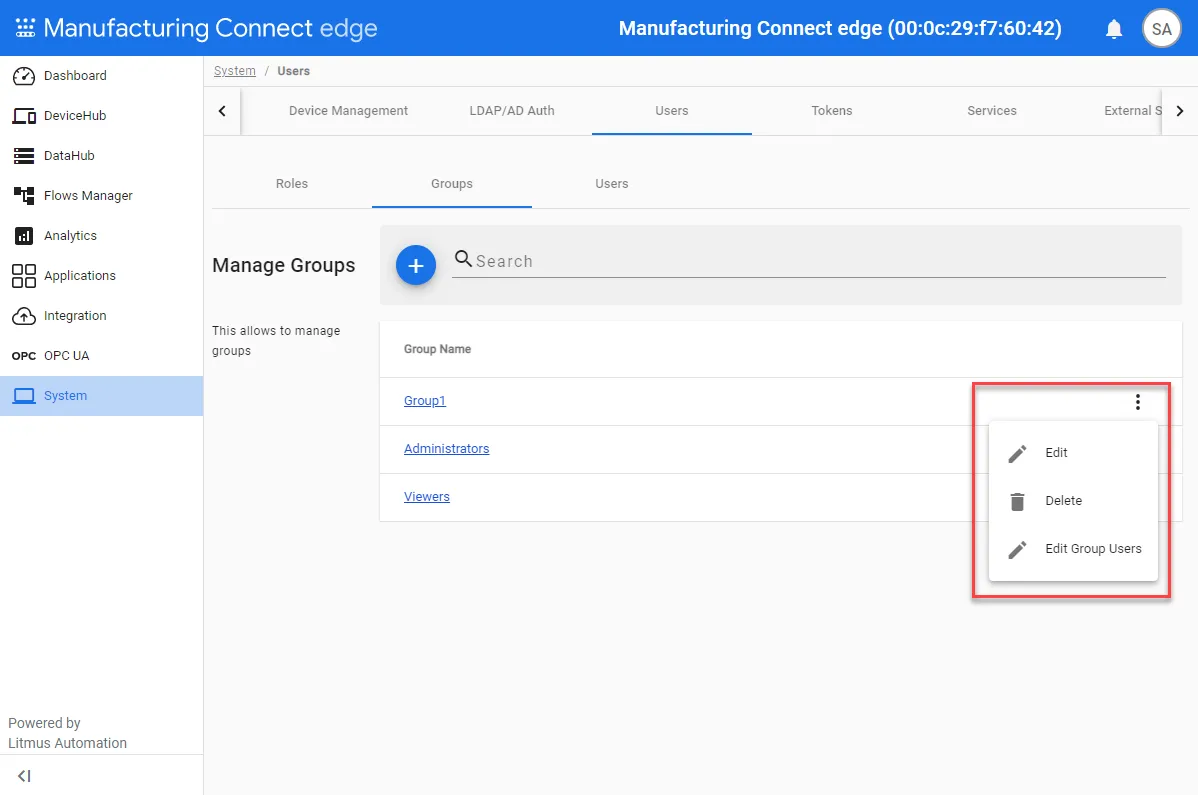
Group action menu
- Edit: Update the name and roles for the group.
- Delete: Remove the group from the Groups tab.
- Edit Group Users: Review the current list of members and click Assign People to add or remove users to the group.