Add Connection
1 min
Follow these steps to add a new AI Model connection.
Add an AI Model Connection
- Click Add Connection. The configuration dialog box appears.
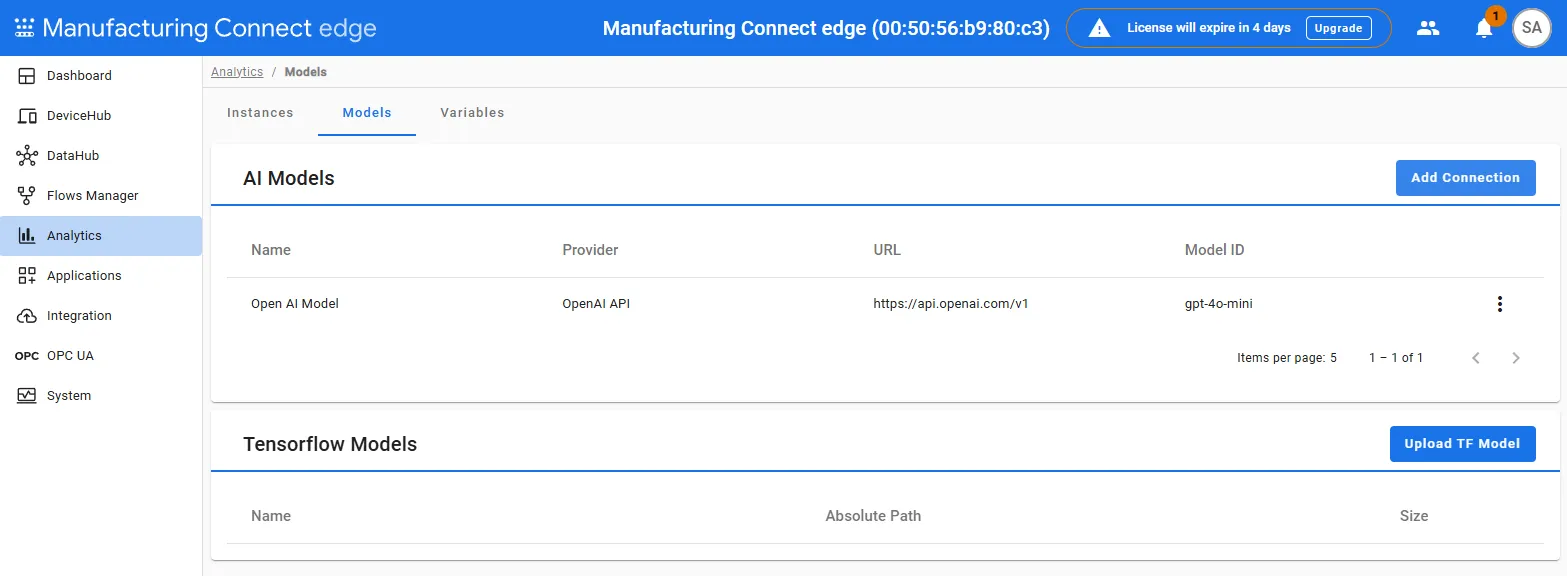
- In the Add Connection dialog, enter connection details:
- Name: Provide a user-friendly name for the connection.
- Provider: Select the desired provider from the available options.
- OpenAI API
- Cloudflare AI Gateway
- Grok API
- Ollama API
- Google Gemini API
- Nvidia API
- Anthropic API
- Configuration Fields: Enter the URL endpoint, API key, and Model ID specific to the provider.
- Use Verify to test the connection through the List Models API call. Ensure that the connection is successfully validated before proceeding.
- Once verified, save the configuration to add it to your list of connections.