Modify Connection
1 min
Update or remove existing AI Model connections as required.
Update Connections
- Locate the connection you wish to modify in the AI Model list.
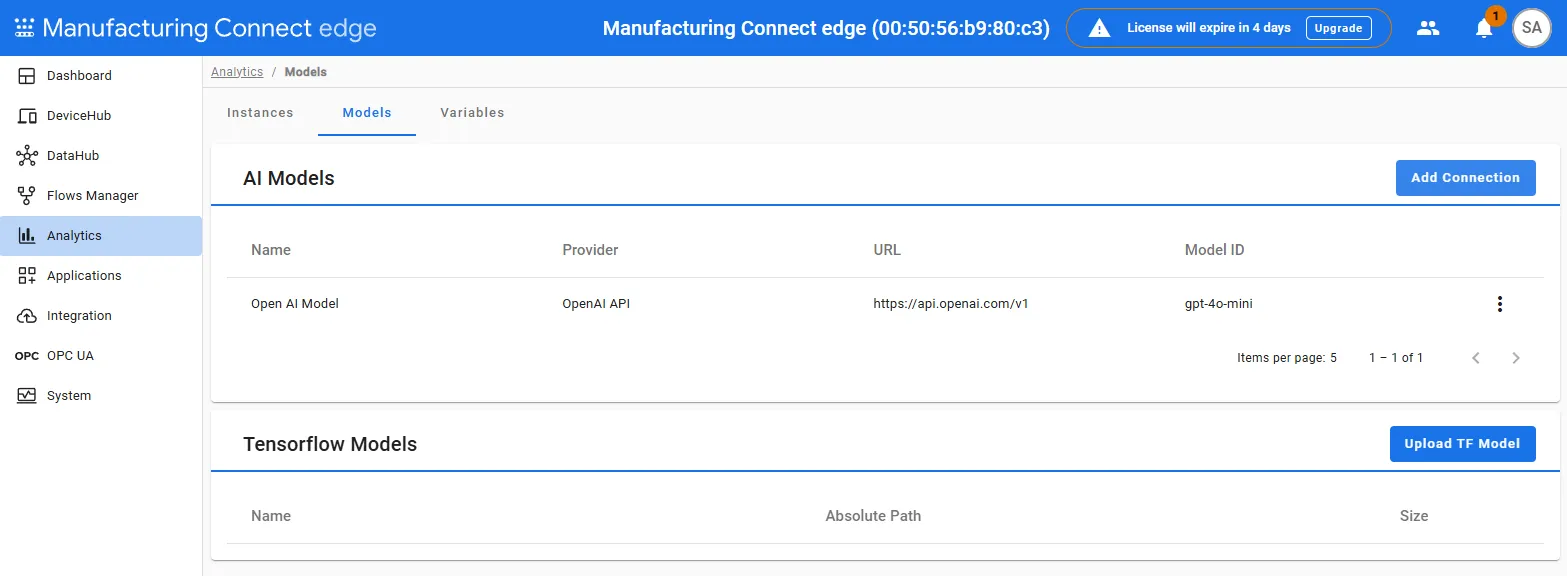
- To edit connection details:
- Click the three dots icon next to the connection and click Edit.
- Update the necessary fields such as API key, URL, or Model ID.
- Click Save or Update.
- After making changes, run the verification process again to confirm configuration integrity.
- To remove a connection:
- Click the three dots icon next to the connection and click Remove.
- Confirm the deleting by using the Delete option to delete the connection.