Download an Image
3 min
You can download an image from a registry.
Before You Begin
Make sure you have created a registry for the image you are downloading. See Add a Registry to learn more.
Download an Image from a Registry
To download an image from a registry:
- Navigate to Applications > Images.
Click the Pull Image icon. The Pull Image dialog box appears.
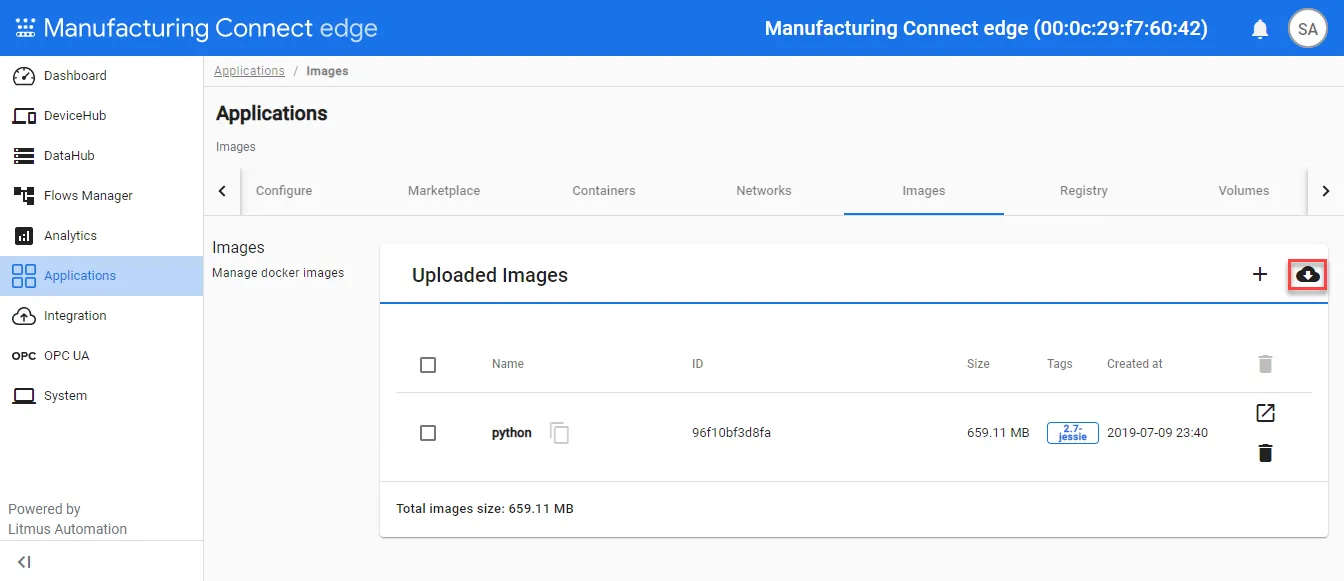 Pull Image icon
- From the Pull Image dialog box, select an option from the Registry drop-down list.
- Enter a name for the image.
- Click Pull.