Step 4: Verify Edge Device Activation in Manufacturing Connect Edge
2 min
After you have approved the activation request in Manufacturing Connect, return to Manufacturing Connect Edge to verify the activation was successful.
The verification includes the following:
- System API key created.
- Identity Certificate created.
- MQTT connector created.
- Google Pub/Sub connector created with custom attribute of mce_hostname. The ability to create custom attributes in the Google Pub/Sub connector will be available in Manufacturing Connect Edge version 3.10.0 and later.
To verify that the activation was successful:
- From the navigation panel, select System > Tokens.
From REST API Keys, verify the creation of a System API key (read only).
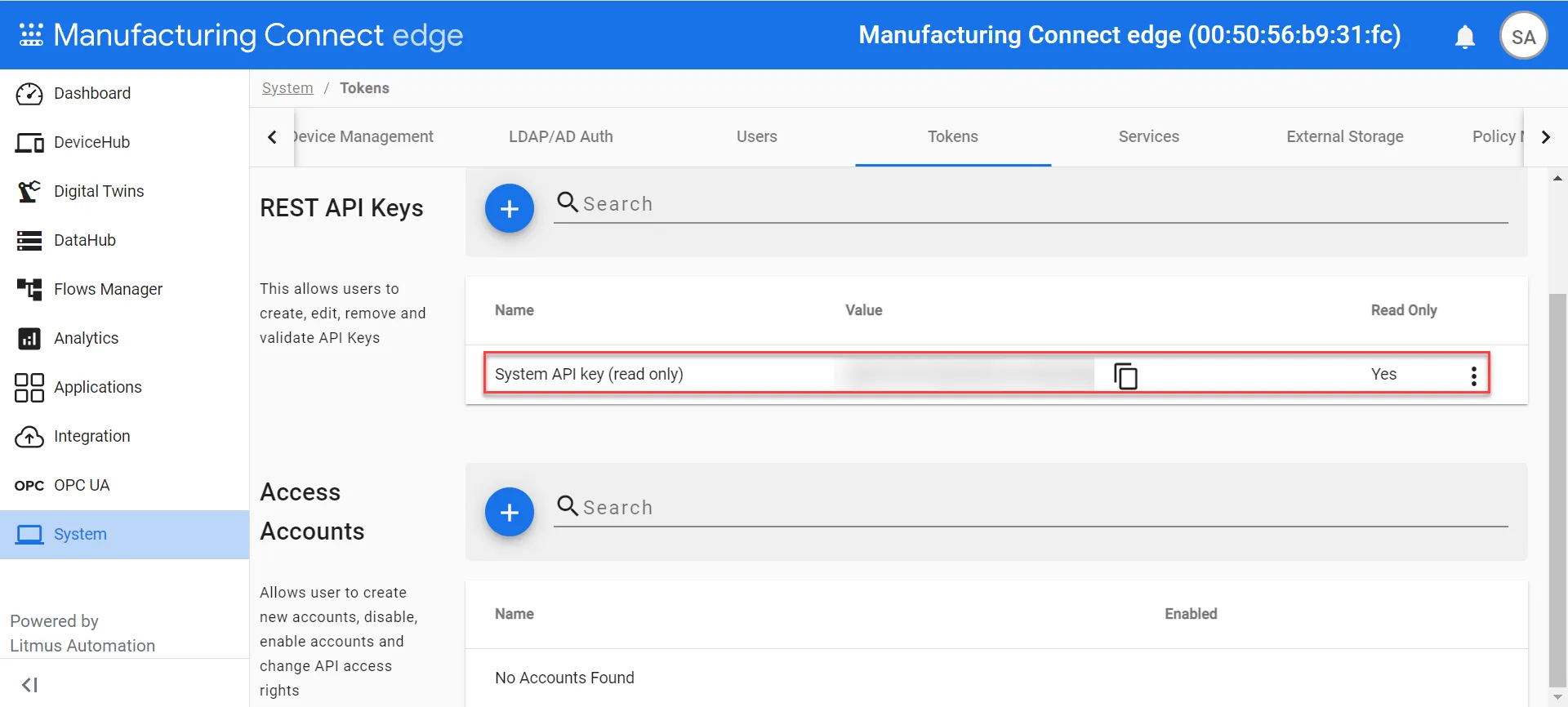 System API key (read only)
- From the navigation panel, select System > Certificates > Identity.
From Identity Certificates, verify the creation of an Identity Certificate issued by Manufacturing Connect.
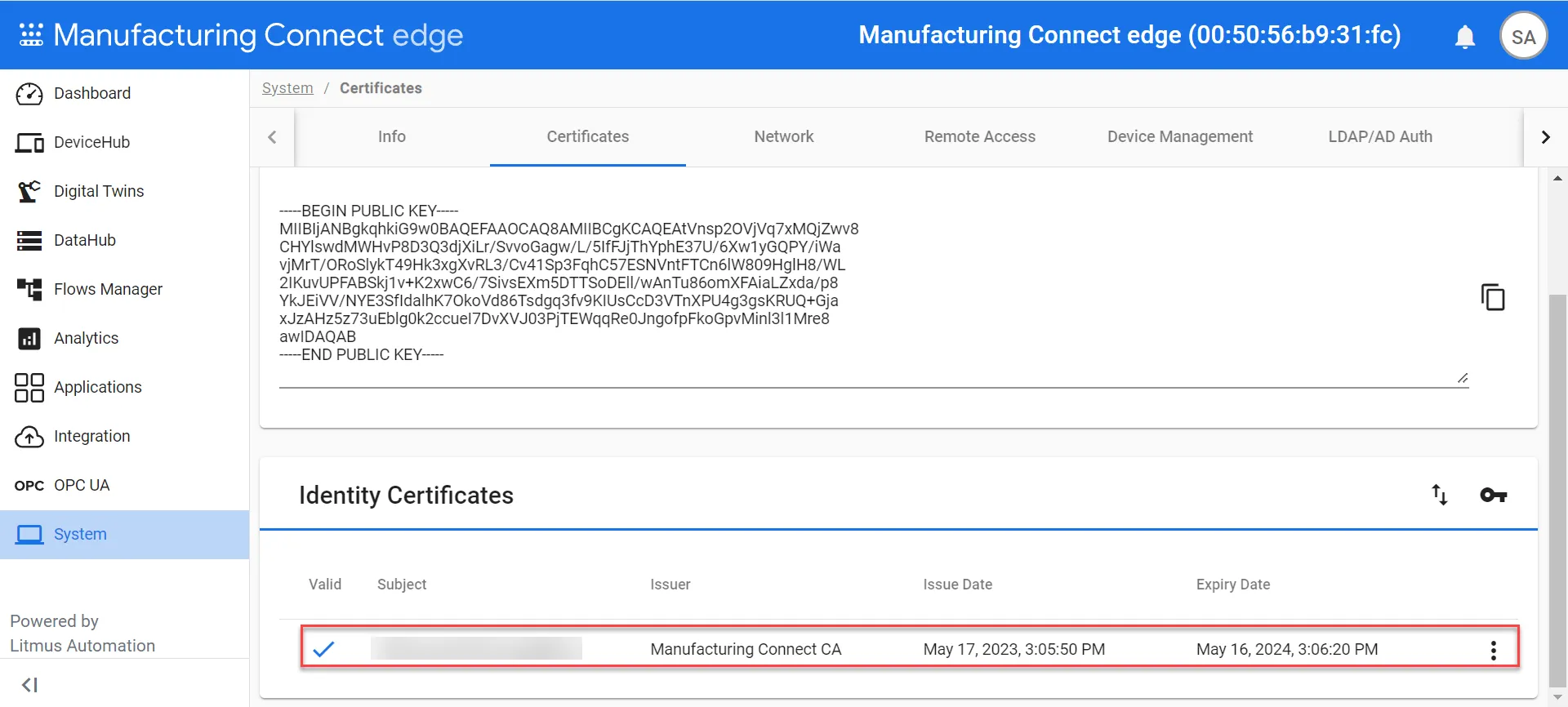 Identity Certificate issued by Manufacturing Connect Edge
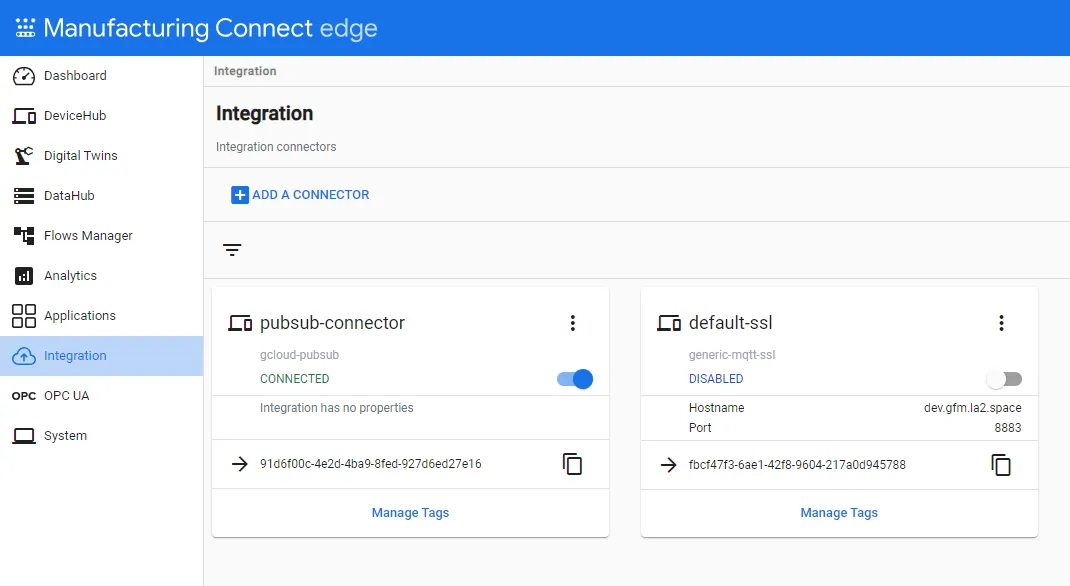
- From the navigation panel, select Integration.
- Review and confirm one of the following.
- For Manufacturing Connect version 2.11.0 and earlier, confirm that the default MQTT integration connector displays and isn't enabled.
- For Manufacturing Connect version 2.12.0 and later, confirm that two default connectors display: MQTT disabled and Google Cloud Pub/Sub Connector enabled. The Google Cloud Pub/Sub connector should have a custom attribute with a key of mce_hostname and the hostname value, which includes the MAC address.
Next Steps
Proceed to Step 5: Enable the Default Integration Connector.